Value normalizers
An extracted value counts as correct only when it matches an expected value exactly. Often a mismatch is just formatting, like 12.500 km against 12500. A value normalizer makes the platform ignore that difference for one field.
Add one
When you choose the fields to score in the evaluation wizard, open Value normalizer on a field and fill in either or both:
- a Pattern and Replacement: a regular expression, and what to replace each match with (leave it empty to remove the match);
- Ignore case.
The preview shows what a sample value becomes. The platform applies the normalizer to the extracted and the expected value when it compares them, the regex first, then the case. Your runs and ground truth stay as they are, so you can change or remove a normalizer later.
| Field | Normalizer | Now counts as equal |
|---|---|---|
$.mileage | replace \D with nothing | 12.500 km and 12500 |
$.licensePlate | replace [^A-Za-z0-9] with nothing | AB-12-CD and AB12CD |
$.legalForm | ignore case | GmbH and GMBH |
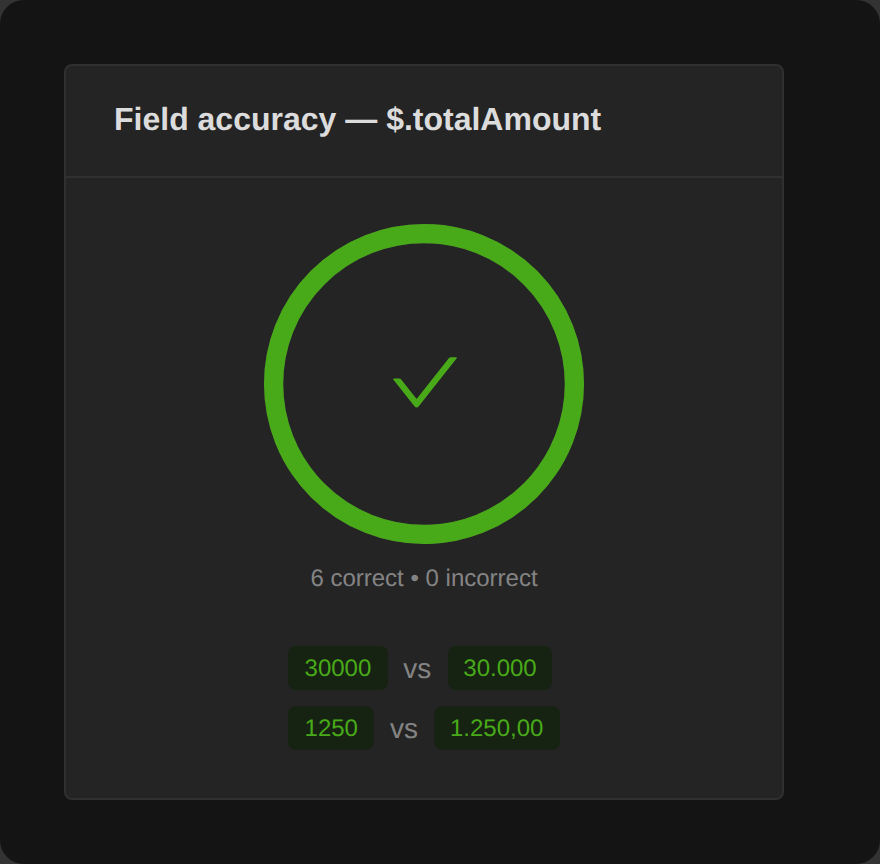
Formatting, not mistakes
Normalize only what doesn't matter. A normalizer that strips spaces from an IBAN is fine. One that strips everything but the digits also hides a wrong country code.
The fix assistant proposes a normalizer when it sees that only the formatting differs. The platform applies it only when you approve.