Runs, versions and costs
Once your agent is connected, every run lands on the platform.
Runs
The Runs page lists every run of the agent. Search, sort, filter by tag or config version, and see which runs you haven't opened yet.

Open a run to see what happened, step by step:
- the input, with its attachments and context files;
- every tool call, with its arguments and result;
- the final response as JSON, or the reason the run got stuck or failed;
- its config version, duration, token counts and cost.
The previous and next buttons follow your filters, so you can step through the runs of one config version.
Tags
Add tags to a run on its page, like validated or edge-case. Use them to:
- filter the run list;
- pick runs for an evaluation;
- give your agent example runs to learn from.
Config versions
Every run carries its config. When a run arrives with a config the platform hasn't seen for this agent before, it becomes a new version. A config is:
- the model, with its thinking and media resolution settings;
- the system prompt, the task and its instructions;
- the tools, with their descriptions and parameters;
- the JSON schema of your output type;
- the example runs the agent used.
You don't create versions yourself: change your agent, deploy it, and its next run creates the version. The Versions page lists them, each with a short description of what changed, written by an LLM, that you can edit or regenerate. Pick two versions to see their prompts, tools and settings side by side.
The run list, the costs and every evaluation can be filtered on one version, so you can tell whether a change made the agent better, worse or more expensive.
Costs
The Costs page shows what the agent costs per day, in total and per run on average, for a date range you choose. Filter on a config version to compare, for example, a cheaper model with the one before it.
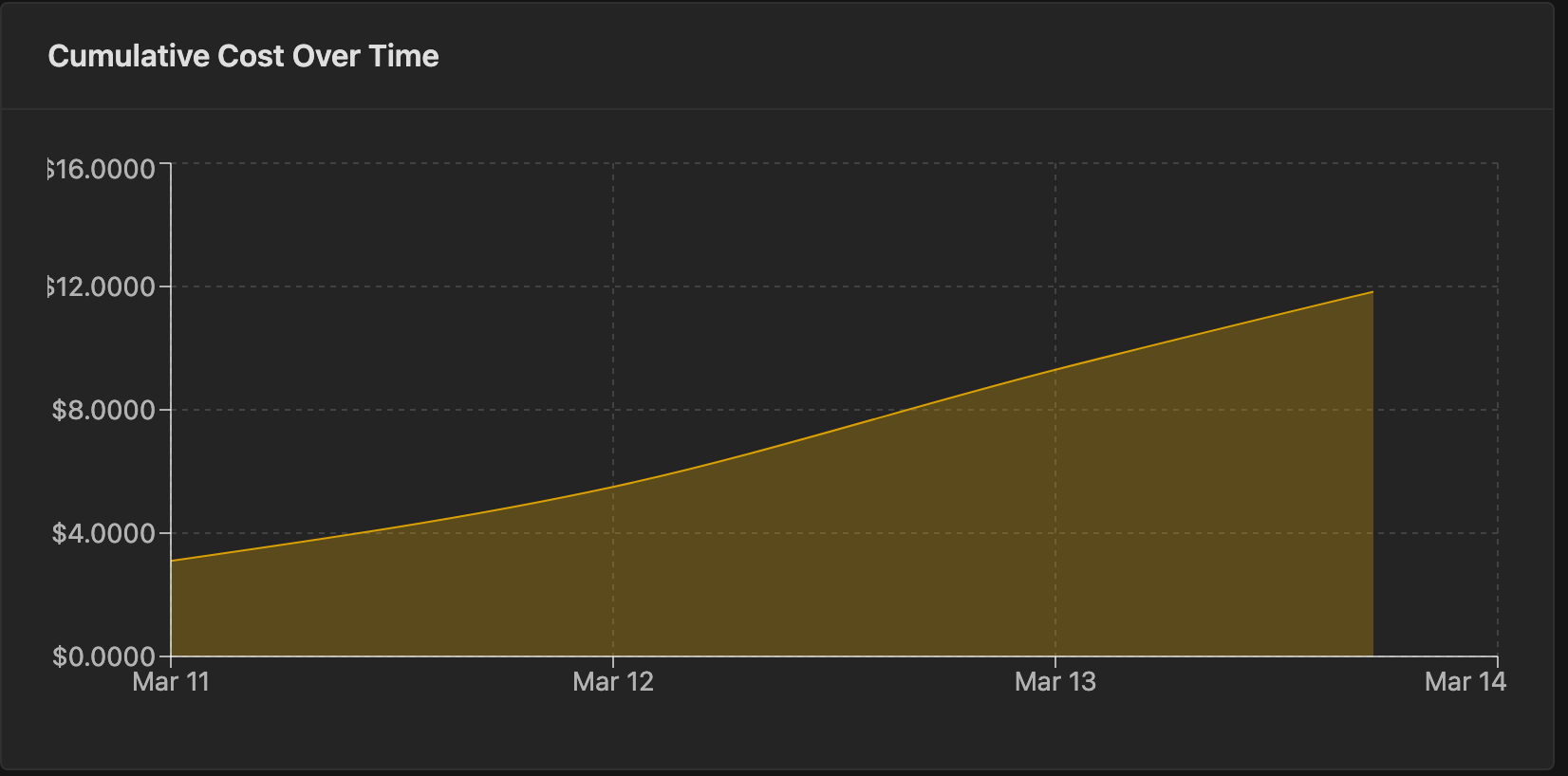
The platform prices each model request from its input, output, thinking and cached tokens, using a built-in price table of OpenAI and Gemini models. Models that aren't in that table, such as local models through Ollama, count as zero.